Foremost
Do what matters. Then scroll.
Finish the thing you keep postponing.
Foremost holds your distracting apps shut until your list is empty.
iPhone only, iOS 16 and later. Free for the first week, then a subscription.
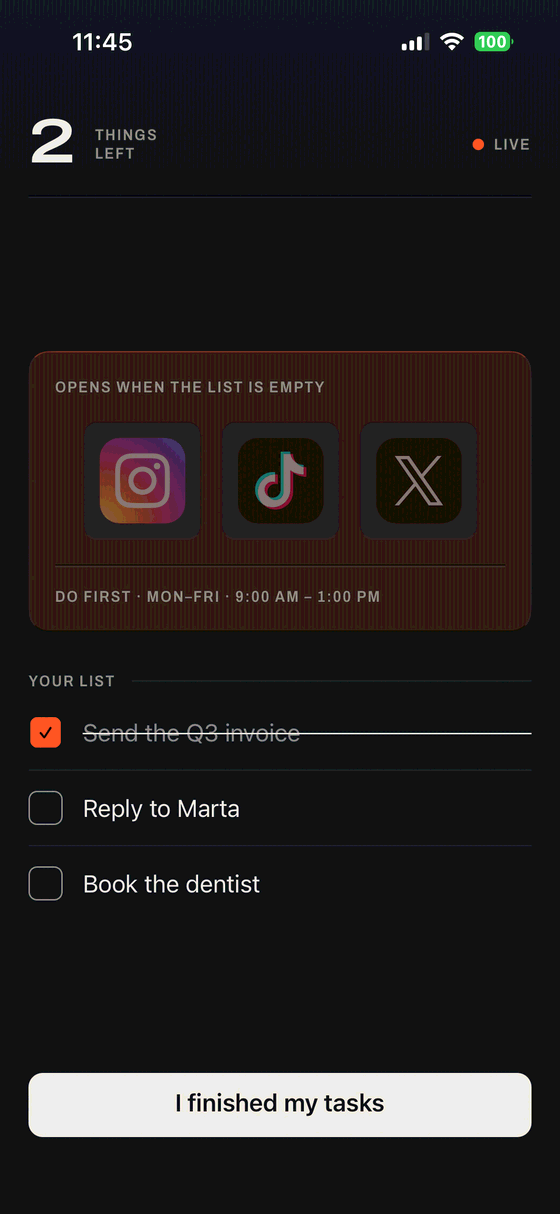
Your list is the key to your phone.
No new system to maintain. Other blockers make you keep a second to-do list inside their app — Foremost reads the one you already use.
-

-
- Or type them here No account with anyone needed


Pick the apps that win.
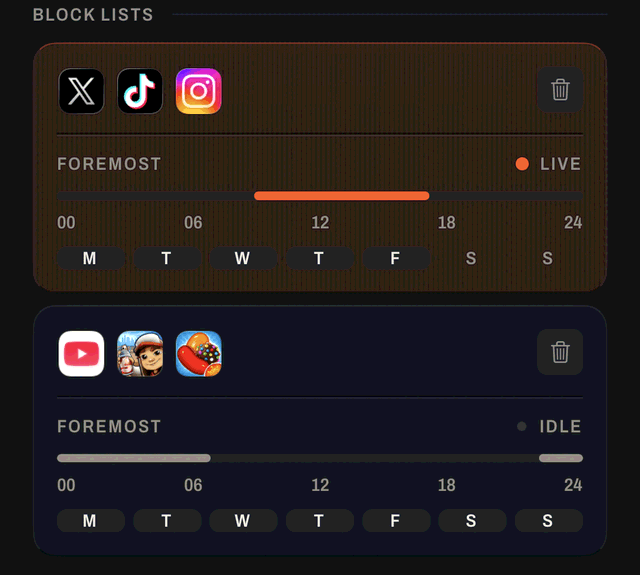
The ones you open without deciding to. Choose the days and the hours they should wait — it holds whether or not Foremost is open, and survives a restart.
Close the list to open your apps.
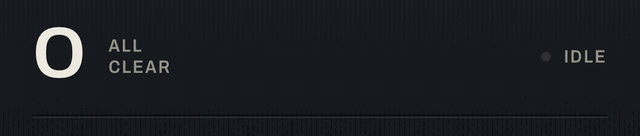
Foremost watches one number — how many things are still open. The moment your last task is done, they're back. That is the whole product. Nothing else to learn.
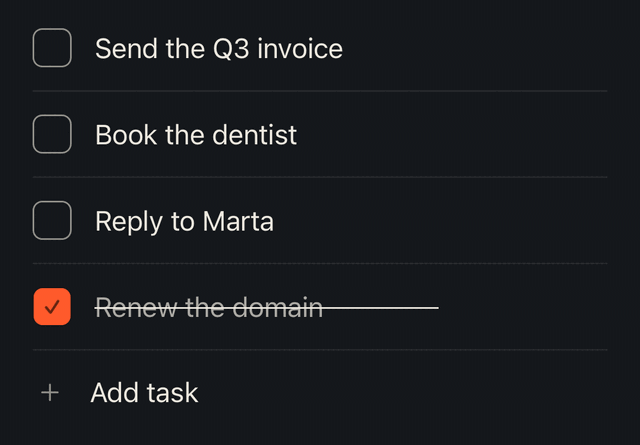
Nothing left.
No streak, no badge, no score to keep up. The apps are simply not being held any more, and Foremost has nothing further to say until tomorrow.
Why this one holds
None of it depends on you remembering the rule. Screen Time limits have an Ignore button; this one doesn't. Deleting the apps works until you reinstall. Willpower isn't part of this one.
iOS enforces it, not us
The block uses the same Screen Time system as parental controls. It holds whether or not Foremost is open, and survives a restart.
Your list is the only key
No timer to wait out and no Ignore button. The apps come back when the last task is closed.
It re-arms itself
Every day the window comes back on its own. You never have to remember to turn it on.
It cannot read you
Foremost never sees what you do inside those apps. It only knows whether your list still has something on it.
Foremost is on the App Store.
Pick the window, pick the apps, and finish the thing you keep postponing.
iPhone only, iOS 16 and later. Free for the first week, then a subscription you can cancel from Settings.